Product Catalog
Your SKUs, Organized
Maintain a clean catalog of every product you import. When you create an order, you pick from your catalog instead of retyping SKU details every time.
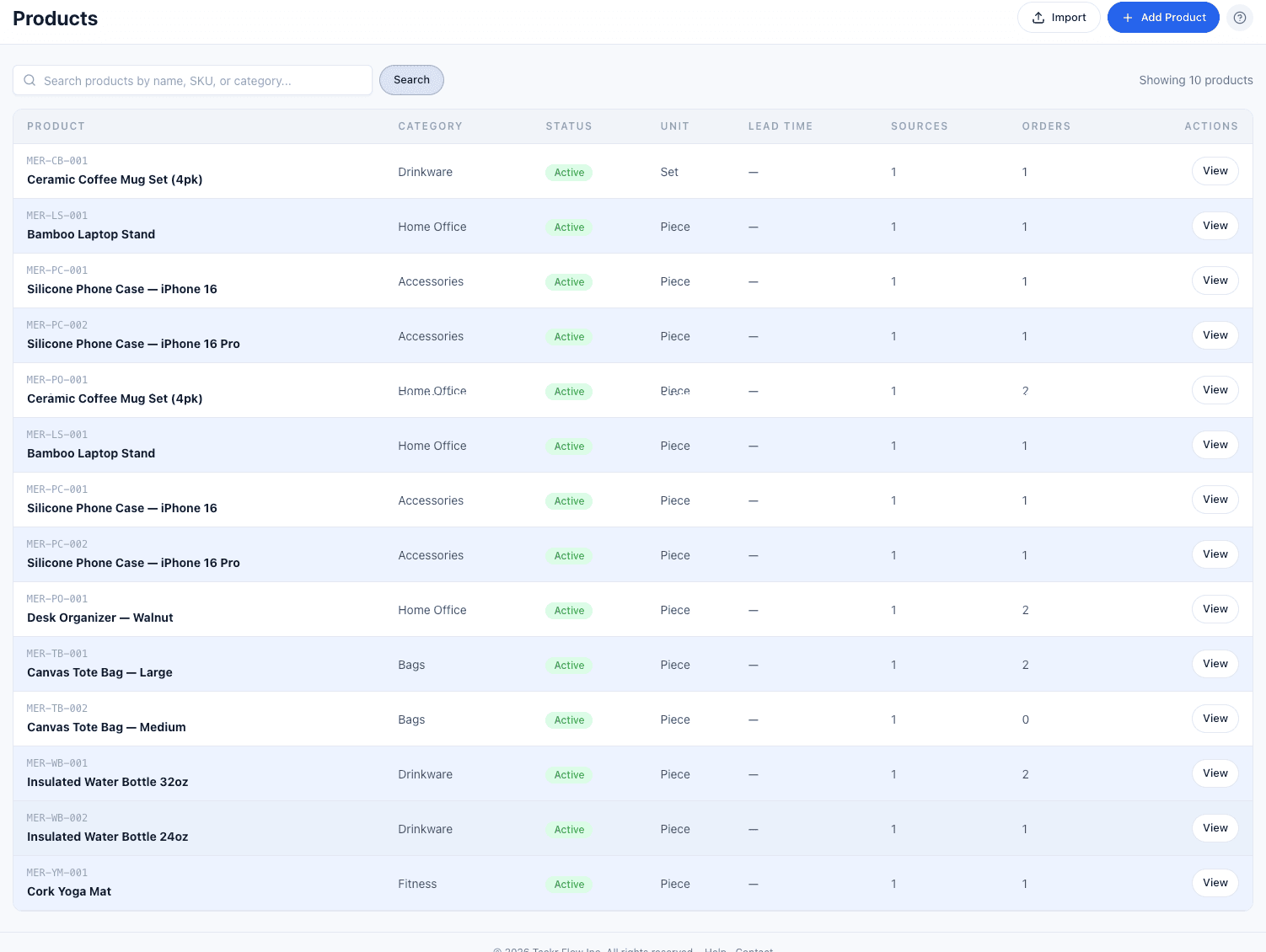
Product catalog showing SKUs, categories, vendor sources, and linked orders.
What you can do with Products & Catalog
Complete Product Profiles
SKU, name, description, category, weight, HS code, and origin country. Everything you need for ordering and customs.
Multi-Vendor Sourcing
Link products to multiple vendors with vendor-specific pricing, lead times, and minimum order quantities.
CSV Import
Import your entire product catalog in one go. Download the template, fill it in, and upload.
Frequently Asked Questions
Yes. Each product can have multiple vendor sources with different pricing, lead times, and MOQs. Mark one as preferred for quick ordering.
Download our template from the Products page. It includes columns for SKU, name, description, category, unit type, weight, HS code, and origin country.
Tackr is not an inventory management system. It tracks orders and supplier relationships. For inventory tracking, we recommend integrating with your existing IMS.
Product image support is coming in a future release. Currently, products are identified by SKU, name, and description.
Ready to see Products & Catalog in action?
We’re onboarding our first 50 customers. Get founding member pricing, priority support, and input on the roadmap.
No commitment. We’ll reach out when it’s your turn.